

Quick Answer
If your sprinkler timer won’t hold a schedule, the most common cause is low batteries or an active rain delay or manual mode that is overriding your automatic program. Most digital hose timers need fresh alkaline batteries to retain memory, and when voltage drops, the valve will close and the schedule can reset or disappear. Try installing fresh batteries first, then confirm rain delay is off, and re-enter your start time, duration, and frequency exactly as shown on the LCD.
Why This Happens
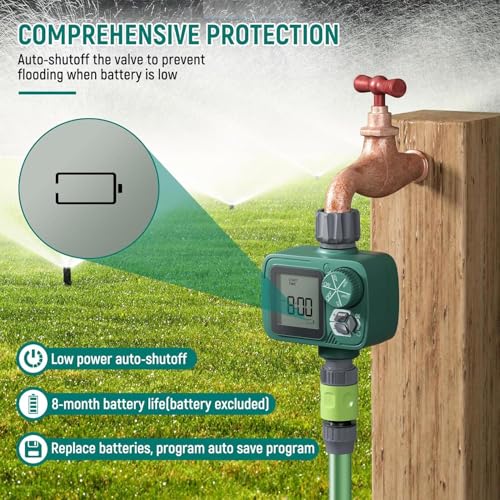
Low or weak batteries are the leading reason a hose timer loses its program. Digital timers rely on battery power to keep the clock and schedule in memory, and many models are designed to close the valve automatically when the battery is low to prevent uncontrolled watering. If the display is dim, flashing, or showing a low battery warning, the timer may not save new settings or may revert to factory defaults after a short time.
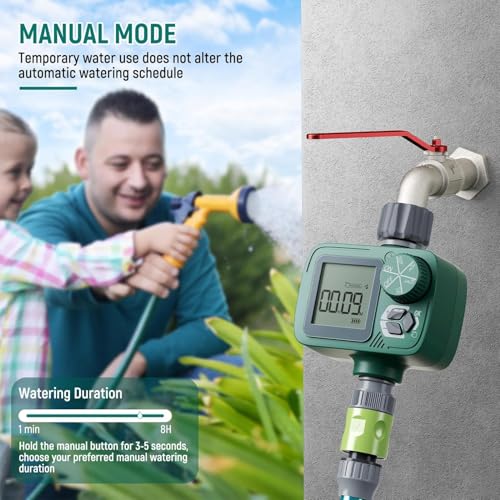
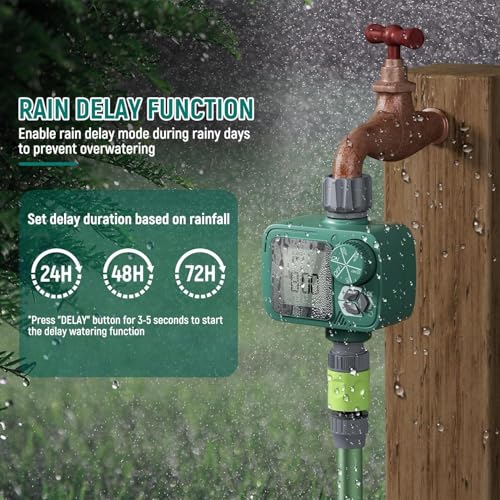
Rain delay and manual modes can also make it look like the schedule was lost when it is actually paused. A rain delay of 24, 48, or 72 hours will intentionally suspend automatic watering and then resume, while manual mode runs a one-time cycle without changing your stored program. If either mode is still active, your regular start time will not trigger and you may think the schedule did not save. Checking the mode indicator on the screen is a quick way to confirm this.
Programming confusion is another frequent cause, especially with timers that separate start time, duration, and frequency. For example, setting a start time but leaving frequency on an unintended interval, or setting duration outside the allowed range, can prevent the schedule from running as expected. Some timers also require you to confirm each setting before it is saved, so exiting too quickly can leave the program incomplete. Reviewing each field on the large LCD screen helps you verify what is actually stored.
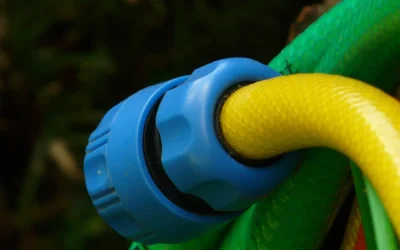
Environmental and installation issues can contribute as well. A loose connection at the 3/4 inch hose thread, debris in the filter gasket, or water pressure outside the rated range can cause the valve to behave inconsistently, which may seem like a scheduling problem. Exposure to rain and sun over time can also affect electronics if the housing is not fully weather resistant, so an IP55 or IP65 rated design and a secure, leak proof connection are important for reliable outdoor use. You can learn more about outdoor water systems in our Rainwater & Irrigation guides.
Fixes to Try
- Replace batteries with fresh alkaline batteries and check the battery indicator on the display. After installing new batteries, reset the clock to the current time before reprogramming, as an incorrect clock can shift the entire schedule.
- Cancel any active rain delay or manual mode. Look for a rain delay icon or manual indicator on the LCD and turn it off, then verify the timer is back in automatic mode so the programmed schedule can run.
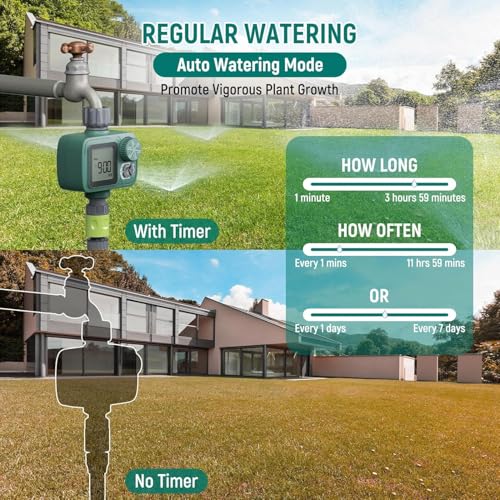
- Re-enter the schedule step by step and confirm each value. Set the start time first, then watering duration from 1 minute to several hours, then frequency such as every 12 hours or every few days, and wait for the display to show the next scheduled run.
- Remove the timer, clean the built-in metal filter gasket, and reinstall it with a snug, anti-twist connection. Rinse away mud or debris that could restrict flow, and make sure the inlet and outlet threads are aligned to avoid leaks that affect valve operation.
- Reset the timer to factory defaults and program a simple daily schedule to verify memory. If the simple schedule holds for a day or two, then expand to your preferred custom frequency. For related seasonal setup tips, see our guide on best rainwater filter 55 gallon.
When to Consider Replacing It
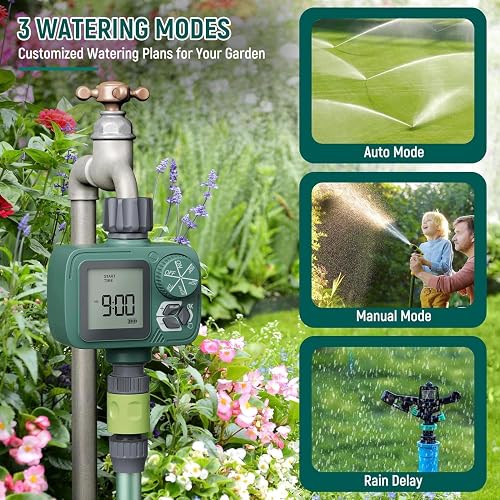
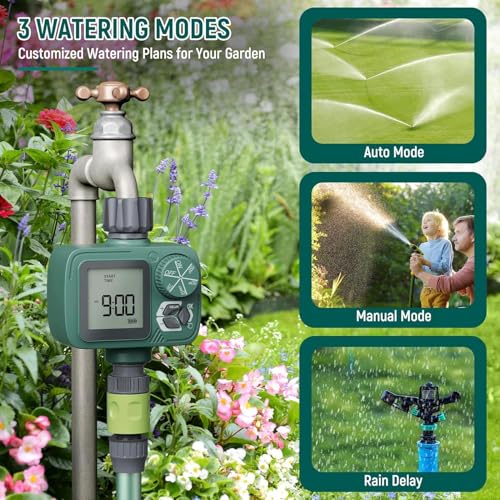
If fresh batteries, a cleared rain delay, and a careful reprogramming do not keep the schedule for more than a day, the internal valve or memory may be worn out and replacement is often more practical than continued troubleshooting. Physical signs like a cracked housing, persistent leaks at the connector, a display that stays dim after a battery change, or a dial that no longer responds are good indicators it is time for a new unit. If you would rather replace it than keep troubleshooting, one practical option with rain delay, manual modes, and a clear LCD is the Sprinkler Timer, Programmable Hose Timer for standard garden hose setups.
This article contains affiliate links. If you buy through one of our links, The Yardstead may earn a commission at no extra cost to you. Commissions never influence which products we recommend or how we rank them. Read our Affiliate Disclosure for details.

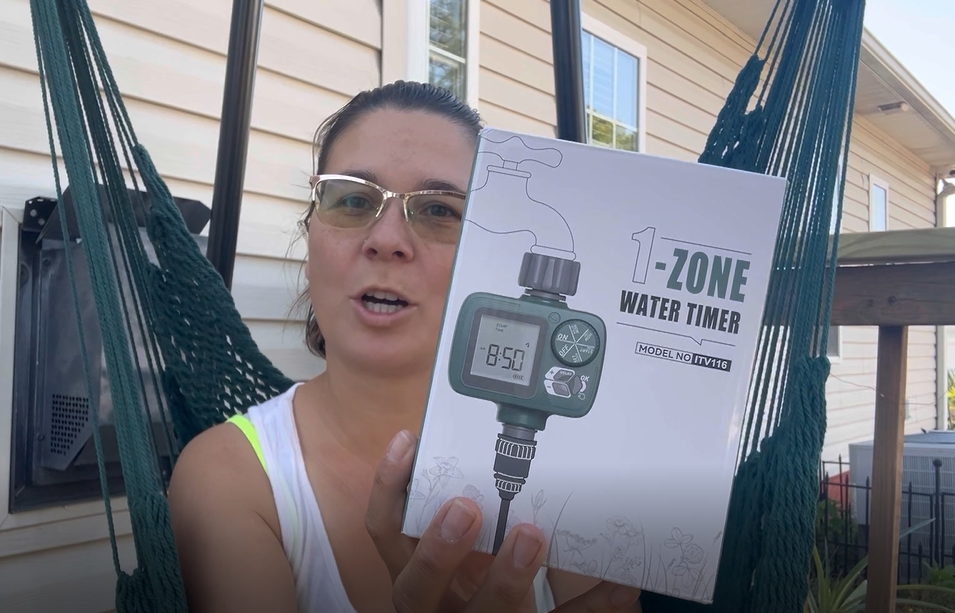
Prime Sprobil ITV116 Programmable Sprinkler Timer


As an Amazon Associate we earn from qualifying purchases. Product prices and availability are accurate as of the date/time indicated.
When to Skip This and Call a Professional
These battery and programming checks are not ideal for situations involving household electrical wiring, in-ground sprinkler controllers hardwired to your home, or a leaking anti-siphon valve that sprays near outlets. If your system is connected to an underground irrigation manifold, shows signs of a burst pipe, or is still under warranty, skip this DIY approach and contact the manufacturer or a licensed irrigation professional. For anything that involves opening a wall, modifying plumbing beyond a hose faucet, or dealing with persistent water damage, a qualified pro is not recommended for DIY and is the safer choice. You can also explore other home system basics in our how to use compost thermometer if your project extends beyond hose timers.
Frequently Asked Questions
Why does my sprinkler timer keep resetting after I set it?
One common cause is low battery voltage that cannot maintain memory, so the timer reverts after you program it. Try fresh batteries, set the current time correctly, and confirm each setting until the display shows the next run time. If it still resets, debris in the filter or a failing seal may be affecting valve operation.
How do I know if rain delay is causing my schedule to not run?
Most digital timers show a raindrop icon or a countdown for 24, 48, or 72 hours when rain delay is active, and automatic cycles will not start during that window. Check the LCD for that indicator and cancel the delay to return to automatic mode, then verify your start time and frequency are still displayed.
Why is my hose timer not watering at the start time I set?
This often comes from a clock that is set to the wrong time or a frequency that does not match what you intended, such as every 12 hours instead of every 2 days. Double check the clock, then review duration and frequency settings separately, and make sure manual mode is off so the automatic schedule can take over.



Write Your Review
No reviews yet. Be the first to share your experience!